

Home security has changed dramatically over the past decade. Where once you needed a professional installation team and a thick monthly monitoring contract, today’s security cameras are designed to be set up by anyone in an afternoon. The technology has matured to the point where high-resolution footage, night vision, and real-time mobile alerts are standard features rather than premium add-ons.
That said, walking into the market without a plan can leave you overwhelmed. Dozens of camera styles, mounting configurations, storage options, and smart-home integrations compete for your attention. The wrong choice can mean blind spots around your property, footage that’s too blurry to be useful, or a system that’s difficult to expand when your needs change. Getting it right means thinking carefully about your home’s layout, the specific threats you want to deter, and the level of ongoing management you’re willing to commit to. This guide walks through every major decision point so you can build a camera setup that actually works.
Understanding the Different Types of Security Cameras
The first thing to understand is that “security camera” is a broad category covering several distinct product types, each optimised for different situations. Indoor cameras are compact, typically white or black to blend into a room’s decor, and are built to monitor interior spaces like living rooms, entryways, and nurseries. They don’t need weatherproofing, so manufacturers can pack more lens quality and smart detection features into a smaller, lighter housing.
Outdoor security cameras have to survive heat, rain, dust, and UV exposure, so they carry an IP weather-resistance rating — look for IP65 or higher for reliable all-season performance. Many outdoor models also include a built-in spotlight or siren to actively deter intruders rather than just recording them. Dome cameras offer a wide field of view and are harder to redirect if someone tries to push them, making them a popular choice for driveways and building corners. Bullet cameras have a longer range and are better suited to monitoring a specific corridor or gate from a distance.
Wired cameras draw power and transmit data through a cable, which means no batteries to replace and no Wi-Fi dependency. Wireless models run on rechargeable or solar-assisted batteries and can be installed anywhere without drilling through walls — a big advantage for renters or anyone who wants flexibility to reposition cameras as they learn their home’s blind spots.
Indoor vs Outdoor Placement Logic
A common mistake is buying all outdoor cameras when a well-placed indoor camera can add enormous value. An indoor camera pointed at the front door from the inside captures a face at close range if someone manages to get past an exterior deterrent. Cameras in hallways document the path anyone inside the home takes, which is useful both for security events and for monitoring the comings and goings of children, pets, or service workers. Stairwells and ground-floor windows are high-value indoor locations that many homeowners overlook.
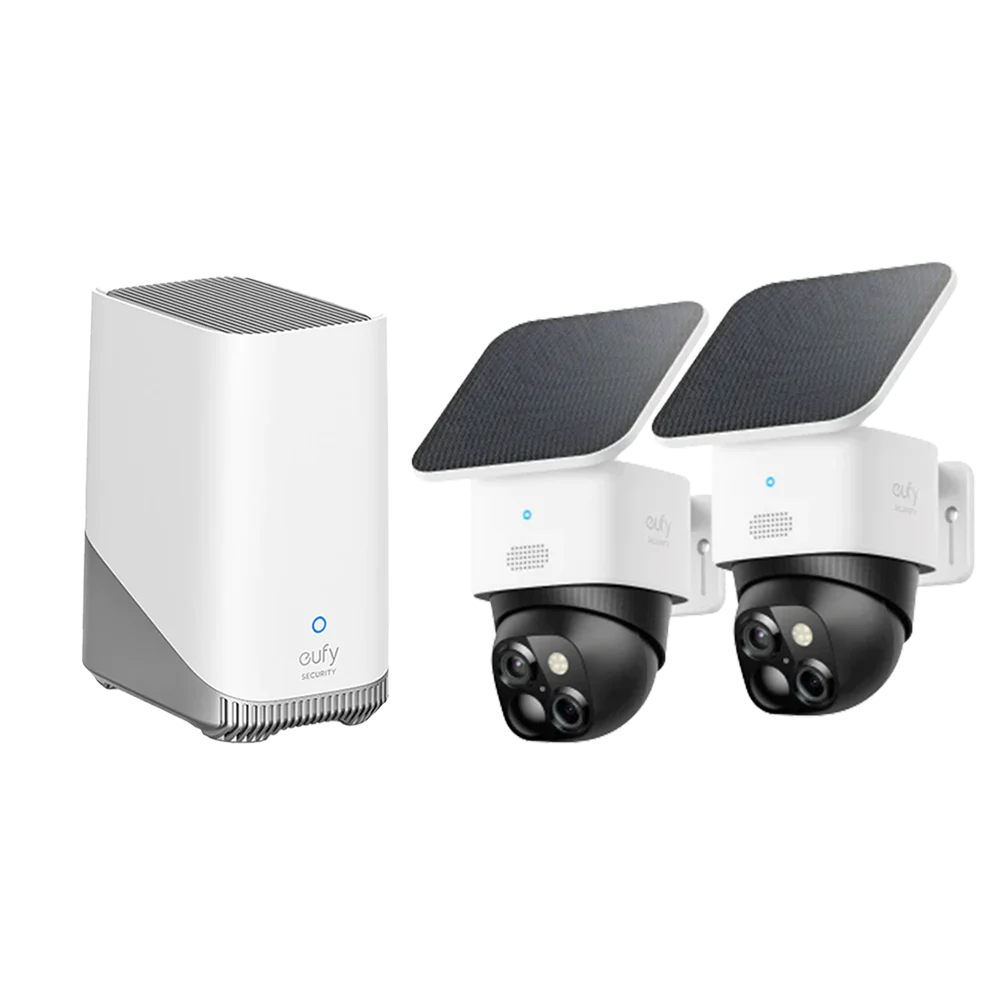
Outdoors, prioritise the front door, back door, garage, and any side gates or fences that provide access to the rear of the property. Elevated mounting points — roughly three metres off the ground — capture a wider field of view and make cameras harder to tamper with. Avoid angles that point directly into strong light sources, as backlighting washes out facial details in video footage.
Key Features Worth Paying Attention To
Resolution is the most-advertised specification in this category, and for good reason. Footage recorded at a lower resolution may look fine on a small mobile screen but becomes a blurry mess when you need to zoom in to identify a face or a licence plate. Aim for at least 2K resolution for outdoor cameras where distance matters, and consider 4K if your property has a long driveway or a wide open backyard. Indoor cameras at 1080p can be perfectly adequate for close-range monitoring.
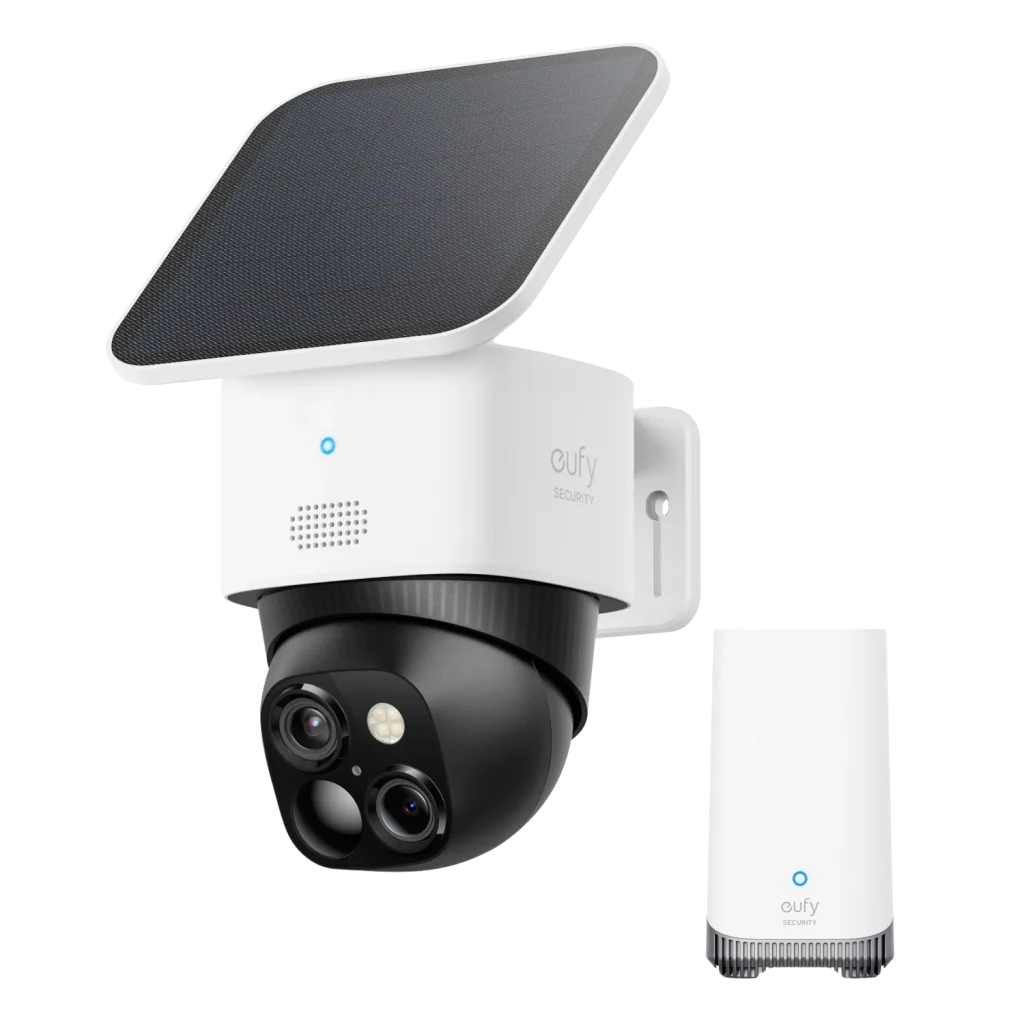
Night vision quality separates good cameras from great ones. Traditional infrared night vision produces a monochrome image that can look grainy in low light. Colour night vision — achieved through a combination of ambient light boosting and a supplemental spotlight — produces far more identifiable footage, including clothing colours and vehicle shades. If a camera will face an area with any ambient street or garden light, colour night vision is worth the upgrade.
AI Detection and Smart Alerts
Basic motion detection sends a notification every time a leaf blows past or a car passes the property, which quickly trains you to ignore alerts entirely. AI-powered detection that can distinguish between a person, a vehicle, an animal, and general motion changes the experience entirely. You only get notified when something actually matters. Some cameras go further with facial recognition, allowing you to create a list of familiar faces so the system only alerts you to strangers. This level of filtering dramatically reduces notification fatigue and keeps the system meaningful over time.
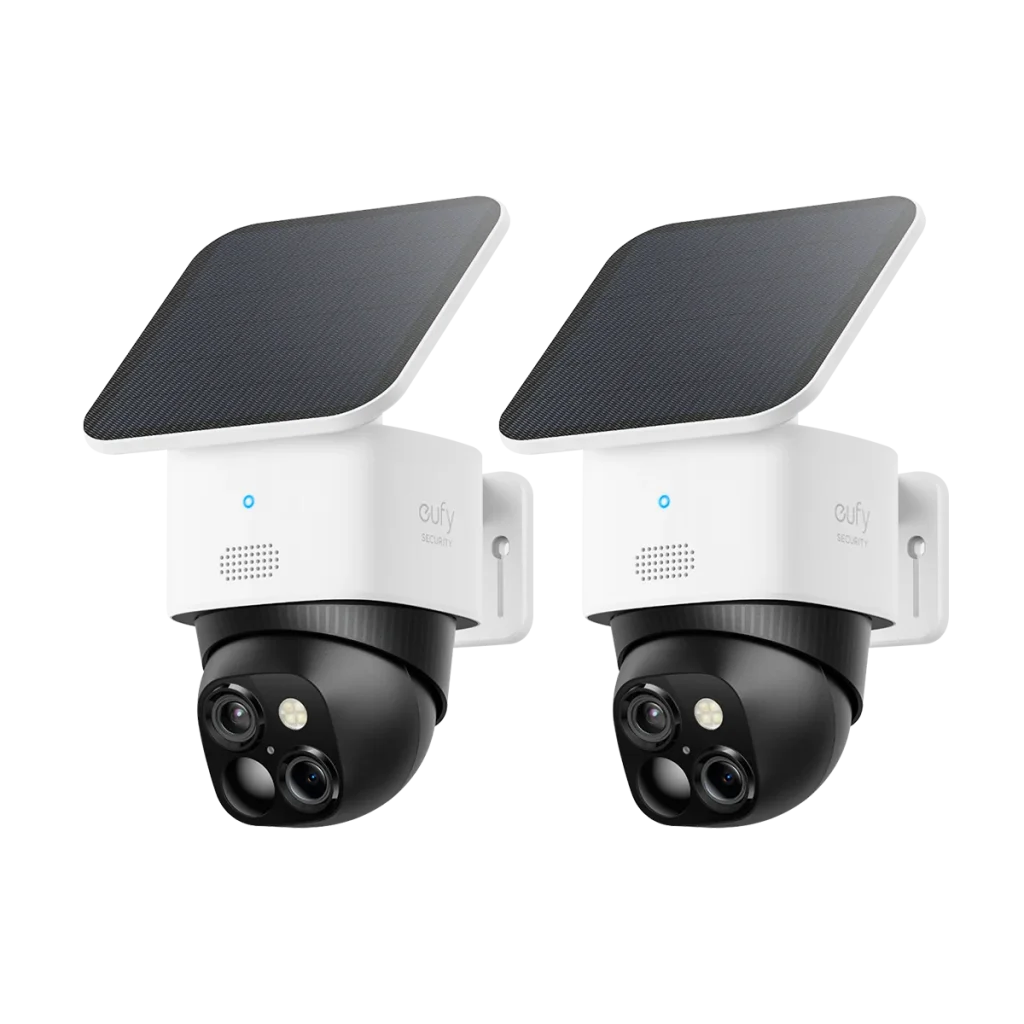
Two-way audio is another feature that transforms a camera from a passive recorder into an active deterrent. Being able to tell a delivery driver where to leave a parcel, warn someone loitering near your gate, or speak to a tradesperson while you’re at work adds real practical value beyond pure security. Look for cameras with noise-cancelling microphones and clear speaker output rather than tinny, distorted audio that makes communication difficult.
Storage Options: Local, Cloud, and Hybrid
Every camera system needs somewhere to store footage, and the choice affects both your ongoing costs and your access to historical recordings. Cloud storage plans charge a monthly or annual subscription fee and give you access to footage from any device with an internet connection. The main advantage is that footage is safe even if the camera itself is stolen or damaged. The main drawback is cost — multiple cameras on a cloud plan adds up quickly over several years.
Local storage uses a microSD card inside the camera or a central NVR (network video recorder) connected to several cameras over your home network. There’s no monthly fee, and recordings are private by default. The limitation is that footage requires more hands-on management — cards fill up and need clearing, and a device that’s physically stolen takes the recording with it. Hybrid systems combine a base amount of free local storage with the option to push important clips to the cloud, which is an increasingly common and sensible approach.
Network Video Recorders for Multi-Camera Homes
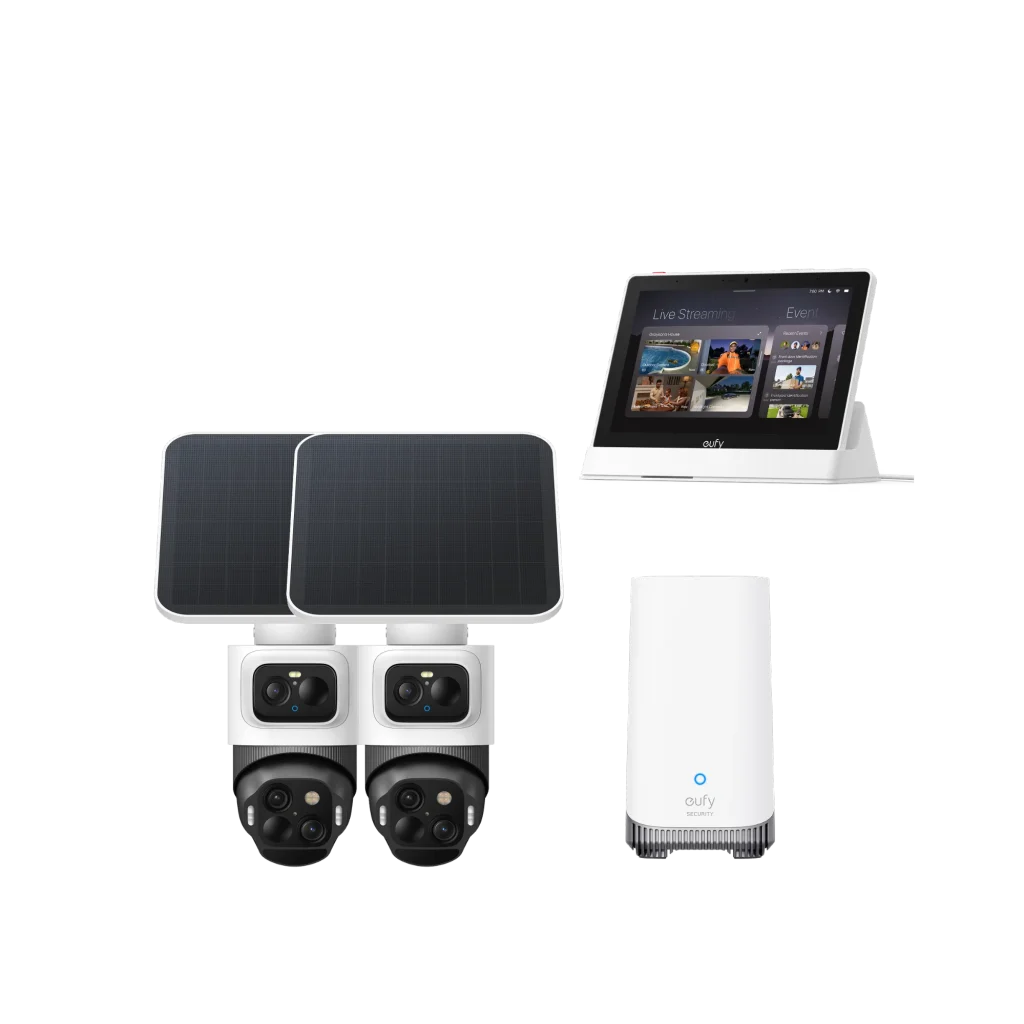
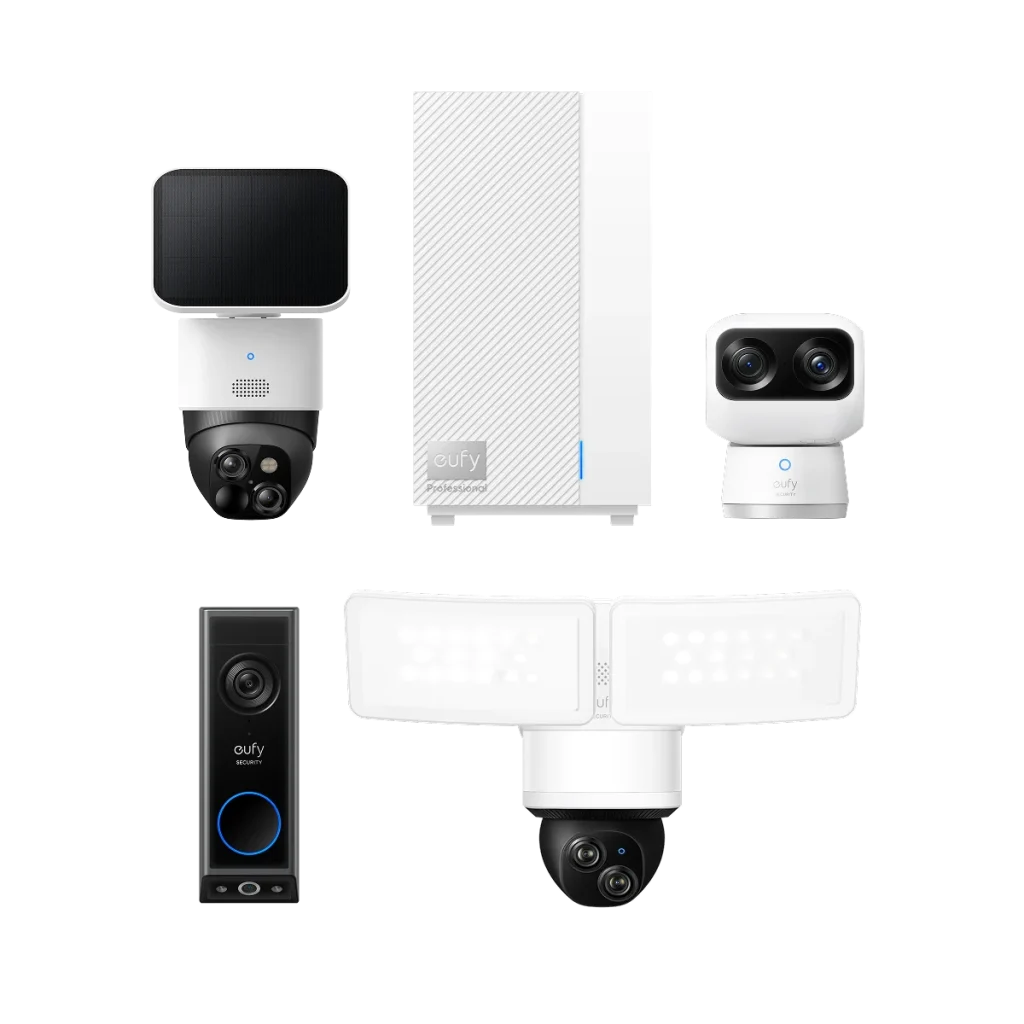
If you’re planning to run more than three or four cameras, a central NVR simplifies management significantly. Rather than logging into individual camera apps and managing separate storage for each device, an NVR aggregates all feeds into one interface and records continuously to a shared hard drive. Reviewing footage from a specific date and time becomes much faster, and adding a new camera to the system is straightforward. Brands like eufy offer NVR-based systems specifically designed for homeowners who want comprehensive coverage without enterprise-level complexity.
Installation and Positioning Tips
Even the best camera delivers poor results if it’s mounted in the wrong spot or angled incorrectly. Before drilling any holes, spend time walking your property and identifying the specific angles you need to cover. Photograph each intended mounting location and use your phone to simulate the camera’s field of view. Many cameras have companion apps that let you preview the live feed during setup, which makes fine-tuning the angle much easier than guessing and adjusting after the fact.
Power access is a practical constraint that shapes placement choices. Wired cameras need to be within reach of either an outdoor power outlet or a cable run from inside the wall. Wireless cameras offer more flexibility but require a charging routine — check the manufacturer’s stated battery life under real-world conditions, not just the best-case figure. Solar-assisted cameras are worth considering for any mounting location that gets at least partial direct sun, as they can extend time between charges dramatically in Australian conditions.
Wi-Fi signal strength at the mounting location is a frequently overlooked factor. A camera mounted at the far end of the backyard or under a metal roof overhang may sit just outside reliable Wi-Fi range, leading to dropped connections and gaps in recordings. Test signal strength with your phone before finalising a location. If coverage is marginal, a Wi-Fi extender or a mesh network node positioned closer to the camera can resolve the problem without requiring a wired installation.
Privacy, Legal Considerations, and Network Security
Outdoor cameras that capture footage beyond your property boundary — including footpaths, neighbouring gardens, or shared driveways — enter legally complex territory. In Australia, the laws vary by state, but the general principle is that recording in public spaces is permitted while using that footage in ways that breach privacy is not. The practical advice is to angle cameras to cover your property specifically and review your state’s specific surveillance legislation if you’re unsure.
The security of the cameras themselves is also worth attention. Internet-connected cameras are a potential entry point for your home network if they run outdated firmware or use weak passwords. Change default login credentials on every device, keep firmware updated, and consider placing cameras on a separate network segment — most modern routers support a guest network that can isolate IoT devices from computers and phones containing sensitive data. Two-factor authentication, where available, adds another barrier against unauthorised access to your camera feeds.
Building a Camera Setup That Serves You Long-Term
The right security camera system is the one that covers your specific vulnerabilities, fits how you actually live, and remains useful rather than becoming background noise. Start by mapping your property’s entry points and identifying the two or three locations that would give you the most useful coverage. Choose camera types matched to each location — weatherproof and wide-angle outdoors, compact and high-resolution indoors. Prioritise AI detection over simple motion alerts to keep notifications meaningful. Decide on a storage approach based on your budget and privacy preferences, and plan for expansion if your needs grow. A thoughtful setup built around these principles will be far more effective than a rushed purchase of whatever’s on sale.
