

You’ve just unboxed a new soundbar, connected it to your TV, and expected cinematic audio to fill the room—only to hear the same tinny sound coming from your TV speakers. Maybe you’re staring at multiple HDMI ports wondering which one actually carries audio back to your sound system. This frustration is more common than you’d think, and it often comes down to understanding two critical technologies: ARC and eARC. Both serve as pathways for extracting audio from your TV and sending it to external speakers or receivers, but they differ significantly in capability. Choosing between them—or knowing when you need a dedicated audio extractor—can mean the difference between immersive surround sound and a compromised listening experience. For casual consumers who simply want great audio without the headache, making an informed decision here saves both money and frustration. Let’s break down what each technology offers and help you determine which audio extraction approach fits your setup.
Understanding ARC and eARC: The Foundation of Audio Extraction
ARC, or Audio Return Channel, is a feature built into HDMI connections that allows your TV to send audio signals back to an external sound system through a single HDMI cable. Before ARC existed, you needed separate optical or coaxial cables just to route TV audio to a soundbar or receiver. ARC simplified everything by combining video and audio transmission into one connection. eARC, or Enhanced Audio Return Channel, is the evolved version introduced with HDMI 2.1. It does the same fundamental job—sending audio from your TV to an external device—but with dramatically improved capacity and quality. You’ll find ARC on virtually every modern TV, soundbar, and AV receiver manufactured in the last decade. eARC appears on newer devices, typically those released after 2019. Both technologies eliminate cable clutter and streamline your home theater connections, but they operate at very different performance levels. Understanding this distinction is essential before investing in any audio extraction solution, whether that’s a compatible soundbar, a receiver, or a standalone audio extractor device designed to pull specific audio formats from your HDMI signal chain.
eARC vs ARC: Key Differences Explained
The gap between ARC and eARC becomes clear once you examine what each technology actually delivers to your speakers. ARC supports compressed audio formats like Dolby Digital and DTS at up to 5.1 channels—perfectly adequate for standard TV shows and casual movie watching. eARC, however, opens the door to uncompressed and lossless formats including Dolby TrueHD, DTS-HD Master Audio, and object-based formats like Dolby Atmos. This isn’t a subtle upgrade; it’s the difference between listening to a compressed MP3 and hearing a full studio recording.
Bandwidth and Audio Quality Showdown
ARC operates with a bandwidth ceiling of approximately 1 Mbps, which forces audio into compressed formats before transmission. eARC dramatically increases this to 37 Mbps, allowing full-resolution audio to pass through untouched. In practice, this means when you stream a Dolby Atmos movie through a compatible app, eARC delivers the complete spatial audio experience with overhead channels and precise object placement. ARC would downgrade that same content to a basic 5.1 mix, stripping away the dimensional detail that makes modern soundtracks feel alive.
Compatibility and Setup Considerations
Using eARC requires both your TV and sound system to feature HDMI 2.1 ports labeled “eARC.” Check your device specifications carefully—not all HDMI 2.1 ports automatically support eARC. Some TVs received eARC capability through firmware updates, so verifying your software version matters. ARC works with any HDMI port labeled “ARC,” which appears on nearly every TV sold since 2012. For setup, eARC typically requires enabling the feature in your TV’s sound settings and ensuring CEC (Consumer Electronics Control) is active on both devices.
When to Choose eARC or ARC
If your setup involves a premium soundbar or a 7.1.4 Atmos receiver and you regularly watch 4K Blu-rays or stream high-quality content, eARC is non-negotiable. ARC remains perfectly suitable if you use a basic 2.1 soundbar for everyday television, news, and casual streaming where compressed 5.1 audio sounds indistinguishable from lossless to most listeners. Consider eARC an investment in future-proofing, since content providers increasingly offer Atmos and lossless audio as standard options.
The Role of Audio Extractors in Enhancing Your Setup
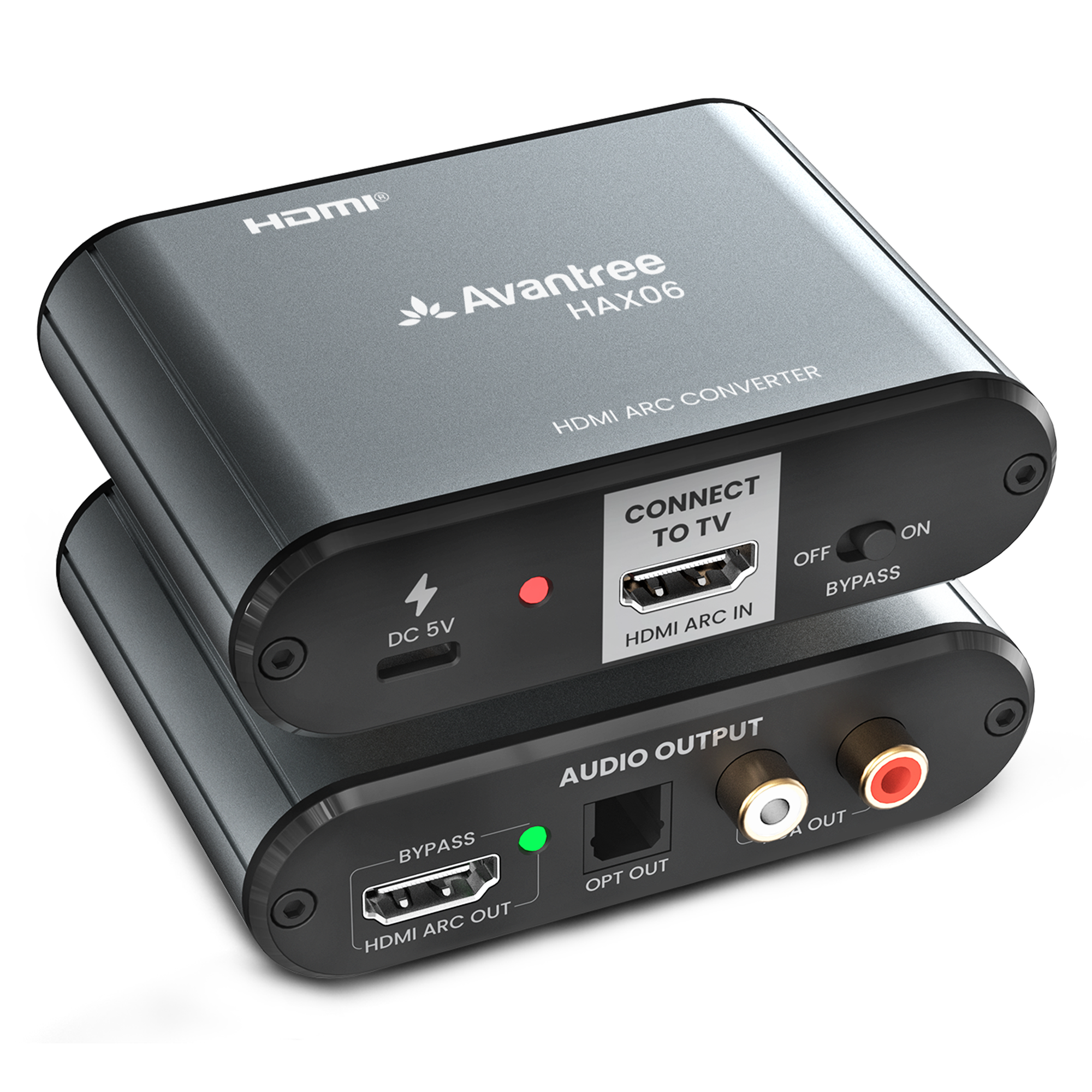
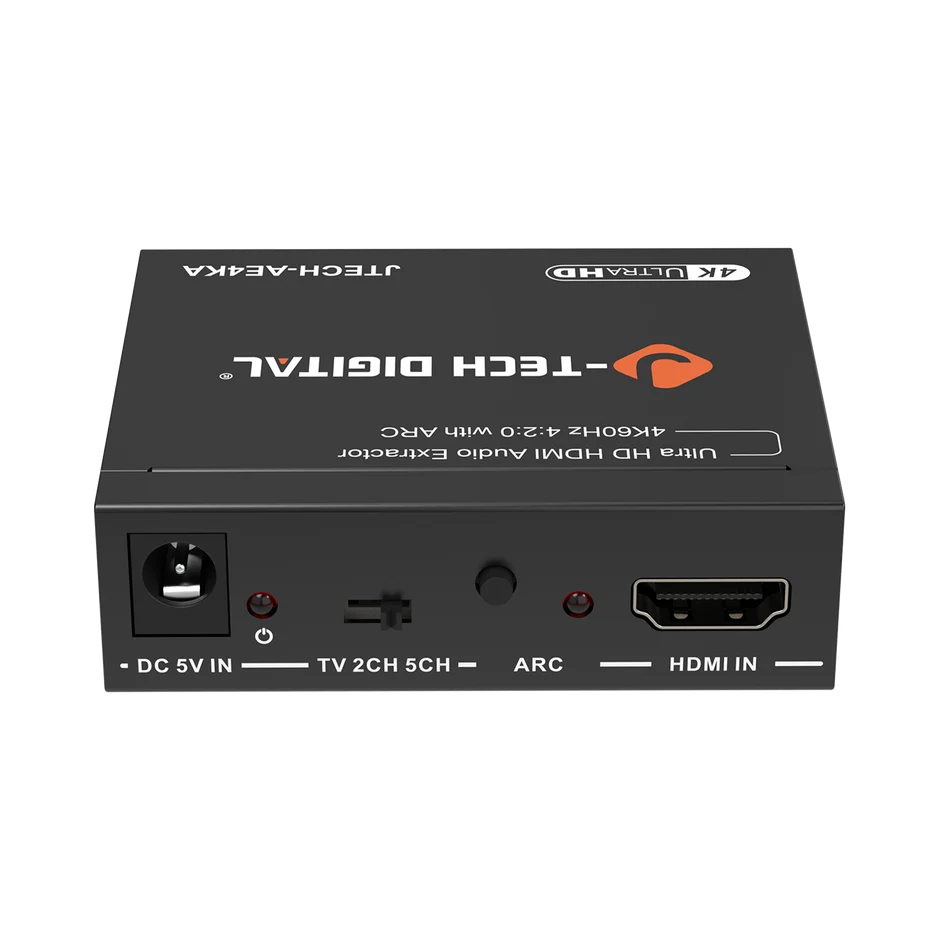
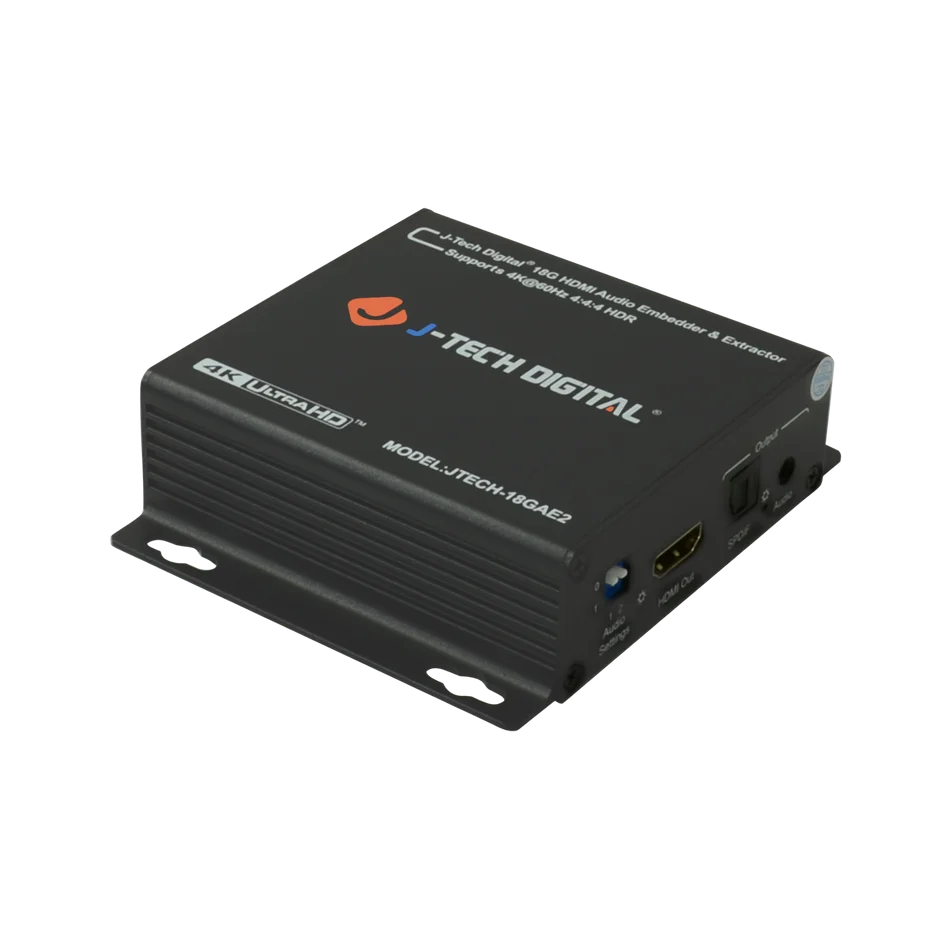
Audio extractors are standalone devices that intercept HDMI signals and separate the audio component, outputting it through dedicated audio connections like optical, coaxial, or analog RCA ports. They become essential when your TV lacks ARC or eARC support, when your existing equipment doesn’t communicate properly through HDMI handshakes, or when you need to route audio to older amplifiers and speaker systems that predate HDMI entirely. Think of an audio extractor as a translator sitting between your modern streaming device and your legacy sound equipment. An eARC-capable audio extractor can pull full lossless audio from an HDMI 2.1 signal and convert it for systems that otherwise couldn’t access those formats. Companies like J-Tech Digital Inc specialize in AV transmission and processing equipment, offering extractors designed to handle these exact compatibility challenges. Similarly, HDMI to RCA converters serve as a subset of audio extraction tools, taking digital HDMI audio and converting it to analog stereo signals compatible with vintage receivers, powered bookshelf speakers, or whole-home audio systems with RCA inputs. These devices bridge the gap between cutting-edge content sources and the equipment you already own, eliminating the need to replace an entire audio chain just because one link in the connection doesn’t support modern standards. For anyone with mixed-generation equipment, an audio extractor often solves compatibility problems that no amount of cable swapping or settings adjustments can fix.
How to Choose the Right Audio Extractor: A Step-by-Step Guide for Casual Consumers
Selecting the right audio extractor doesn’t require technical expertise—just a systematic approach that matches your equipment, goals, and budget. Start by taking inventory of what you already own. Look at the back of your TV, soundbar, or receiver and note which ports are available. Check whether your HDMI ports are labeled ARC or eARC, and identify any optical, coaxial, or RCA inputs on your speakers or amplifier. This audit reveals exactly where the compatibility gap exists and what type of extractor can bridge it.
Next, decide whether eARC or ARC support matters for your situation. If your TV outputs eARC but your sound system only accepts optical or analog input, an eARC-compatible extractor preserves the highest quality audio before converting it. If your TV only supports ARC and you watch standard streaming content, a basic ARC extractor handles the job without overspending. Match the extractor’s capabilities to the weakest link in your chain—there’s no benefit paying for eARC extraction if your source content never exceeds compressed 5.1 audio.
Third, establish a realistic budget. Audio extractors range from very affordable basic units to mid-range devices with multiple output options. Determine whether you need a simple single-format converter or a versatile box offering simultaneous optical and RCA outputs. Fourth, consider whether HDMI to RCA conversion adds value for your setup—particularly useful if you’re feeding audio to a vintage stereo system, a secondary zone, or powered speakers lacking digital inputs. Finally, factor in your shopping experience: look for retailers offering free shipping and fast delivery so you’re not waiting weeks to solve an audio problem that’s already been frustrating you.
Practical Solution Steps for Affordable Audio Extraction
Begin by reading user reviews from buyers with similar setups to yours—someone connecting a 2022 TV to a 2015 receiver faces the same challenges you might. Compare specifications across two or three options rather than defaulting to the cheapest listing. Pay attention to supported audio formats, output types, and whether the device requires external power. Check the retailer’s shipping policy before purchasing; free shipping eliminates hidden costs that can push a budget-friendly extractor into a less attractive price range. Many online electronics retailers offer expedited delivery options, meaning you can have your audio problem solved within days rather than enduring weeks of poor sound while waiting.
Evaluating Audio Solutions and Brands
When scanning product descriptions, focus on three critical specifications: maximum supported audio format, output connection types, and HDCP compatibility (which prevents handshake errors with protected content). Customer reviews revealing consistent complaints about audio dropouts or device overheating are red flags worth heeding. Established brands in the audio extraction space, such as J-Tech Digital Inc, tend to offer better build quality and firmware support compared to unbranded alternatives. Look for products with at least a one-year warranty as a baseline quality indicator. Online marketplaces often feature comparison tools and bundle deals that pair extractors with appropriate cables, saving you a second purchase. Prioritize sellers offering free shipping and hassle-free returns—this combination lets you test the extractor in your actual setup with minimal financial risk if it doesn’t perform as expected.
Affordable Audio Solutions and Shopping Convenience
Budget-friendly audio extractors and HDMI to RCA converters make quality sound accessible without requiring a significant investment. Many reliable options exist that handle standard ARC extraction or even eARC passthrough at reasonable price points, making them ideal for casual consumers who want better audio without overhauling their entire system. When shopping online, prioritize retailers offering free shipping and fast delivery—these perks reduce the total cost and eliminate the waiting game that turns a simple upgrade into a drawn-out project. Reading buyer guides and filtering by shipping speed helps you identify sellers committed to customer convenience, ensuring your audio solution arrives quickly so you can enjoy improved sound within days of making your decision.
Choosing the Right Audio Path for Your Home Theater
The choice between eARC and ARC ultimately depends on what you watch, what equipment you own, and where you want your audio experience to land. ARC handles compressed 5.1 audio reliably and works with virtually any modern TV and soundbar combination—making it perfectly adequate for everyday viewing. eARC unlocks the full potential of lossless and object-based audio formats like Dolby Atmos and DTS-HD Master Audio, delivering the immersive experience that premium sound systems are designed to reproduce. When your equipment doesn’t cooperate or your gear spans multiple generations, a dedicated audio extractor bridges the gap without forcing you to replace everything. Start by auditing your current setup, identify where the compatibility breakdown occurs, then match an extractor’s capabilities to your actual content and listening habits rather than overspending on features you won’t use. Budget-friendly options exist that solve most common audio routing problems effectively. Take advantage of retailers offering free shipping and fast delivery to minimize both cost and downtime—there’s no reason to endure poor audio longer than necessary when the right solution is a few clicks and a couple of days away.
